
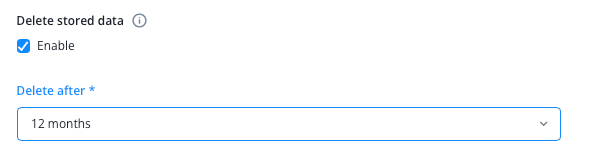
With Lime Connect you have the possibility to delete chat data automatically after a certain period of time. You can find this setting under "Account > Organizations" by clicking on the relevant organization. There you can delete stored data automatically after 1, 3, 6, 12, 18, 24, 30 or 36 months.
Notes:
- For the Pro and Enterprise plan, analytics data is not affected by this, as it does not contain personal data.
- For the Free plan, analytics data available in the backend is also deleted.
- Your default organization (created with setting up your Lime Connect Account), is set to automatic deletion by default after 24 months.
- In additional organizations, created in your main account using the Enterprise plan, the automatic deletion is disabled by default.